
Groups
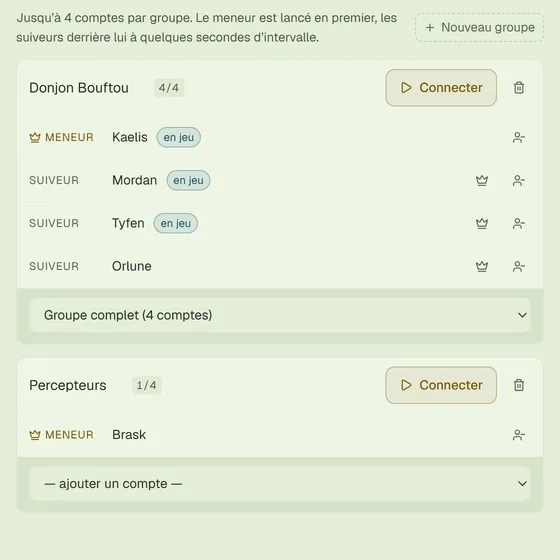
Up to 4 accounts per group, with a name and a leader. One Connect button and the whole group starts: the leader first, the followers a few seconds apart.
TemporiX opens on 15 September — ready, up to date.
A group of four accounts connects with a single button. One Android device per account, keyboard combat.
No sign-up. Your Ankama credentials only go through the game.
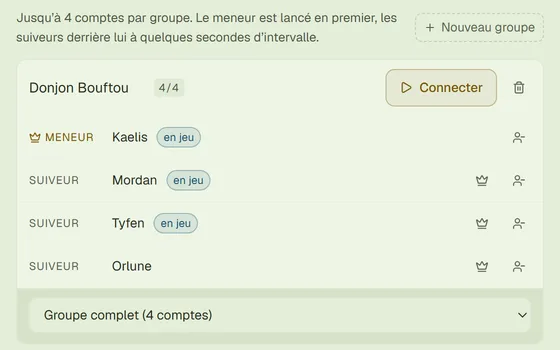
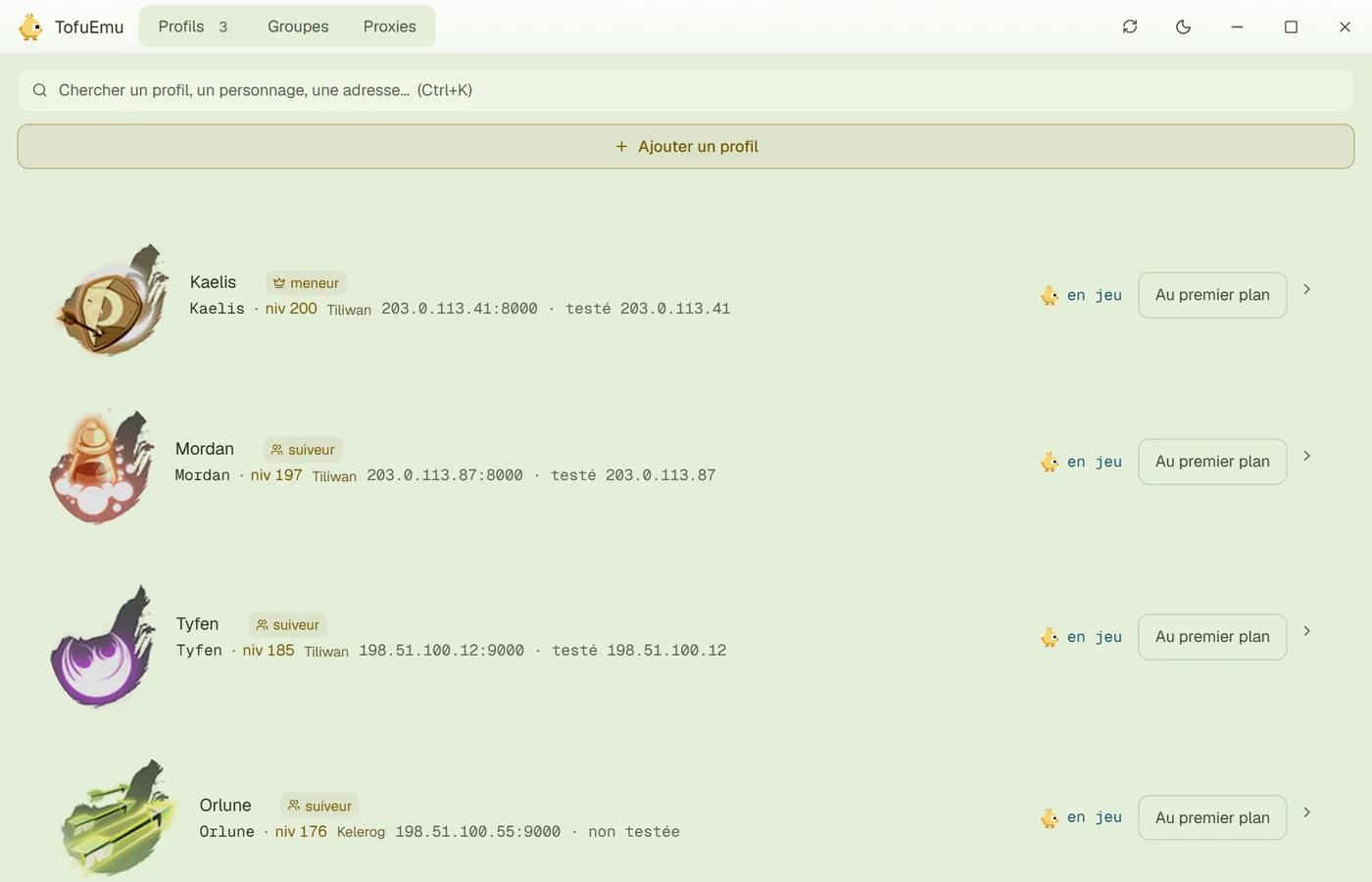
The screens below are the launcher's own. Nothing more to discover after installing.
Up to 4 accounts per group, with a name and a leader. One Connect button and the whole group starts: the leader first, the followers a few seconds apart.
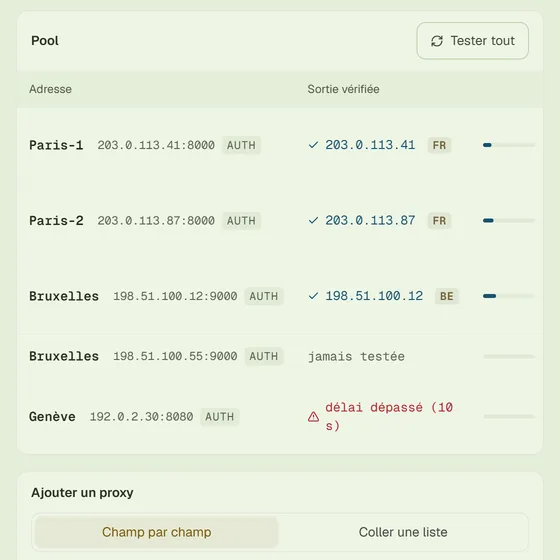
A pool of addresses, one per account. Exit and latency checked with one click. The proxy is chosen per profile.
Everything is off by default. Turn on all of it, or only what you want: each function has its own switch.
Enable every function or just some of them, as you prefer.
Keeps the character awake even with no automation running, including on a background tab.
This session only: on the next start, everything is back to “no”.
The launcher downloads its updates in the background and lets you choose when to install them. The Dofus Touch client itself is downloaded from Ankama, into each profile.
The mouse stays for the map. Spells on 1 to 6, Space passes the turn, Tab switches to the next account. Remappable, and inactive as soon as a text field has focus.
One file, no account. The Dofus Touch client is downloaded into each profile on first launch.
An antivirus may flag an unsigned executable: it's common, add an exception for the TofuEmu folder. Windows only for now.
From the server's side, it's a phone logging in — the same one, every session, for every account. Model, Android, Chrome, memory, GPU: everything matches, because everything is consistent from the start.
The game comes from Ankama. Multi-account assistance stays off until you turn it on. The rest depends on how you play.
The code was reworked after the client updates tied to TemporiX.
Yes. No subscription, no account, no paid feature, no ads. The project is maintained by players.
Each account appears to the game as a full Android device, coherent and identical from one session to the next — that is where the difference is made. The code is reviewed after every client update. No tool can promise zero risk: respecting the Dofus Touch terms of service remains your best protection.
That's normal: the installer isn't signed. If Windows shows “Windows protected your PC”, click “More info” then “Run anyway”. If your antivirus still blocks it, add an exception for the TofuEmu folder and run the installer again.
As many as your PC allows. Each profile is a fully-fledged emulated Android device, with its own window.
To save up to 4 accounts together, with a name and a leader, and connect them with a single button. The leader starts first, the followers a few seconds apart.
Windows only for now (10 or 11, 64-bit).
Support, release announcements, votes for the next platforms. No form: you ask your question, someone answers.